ERI Assessor Series
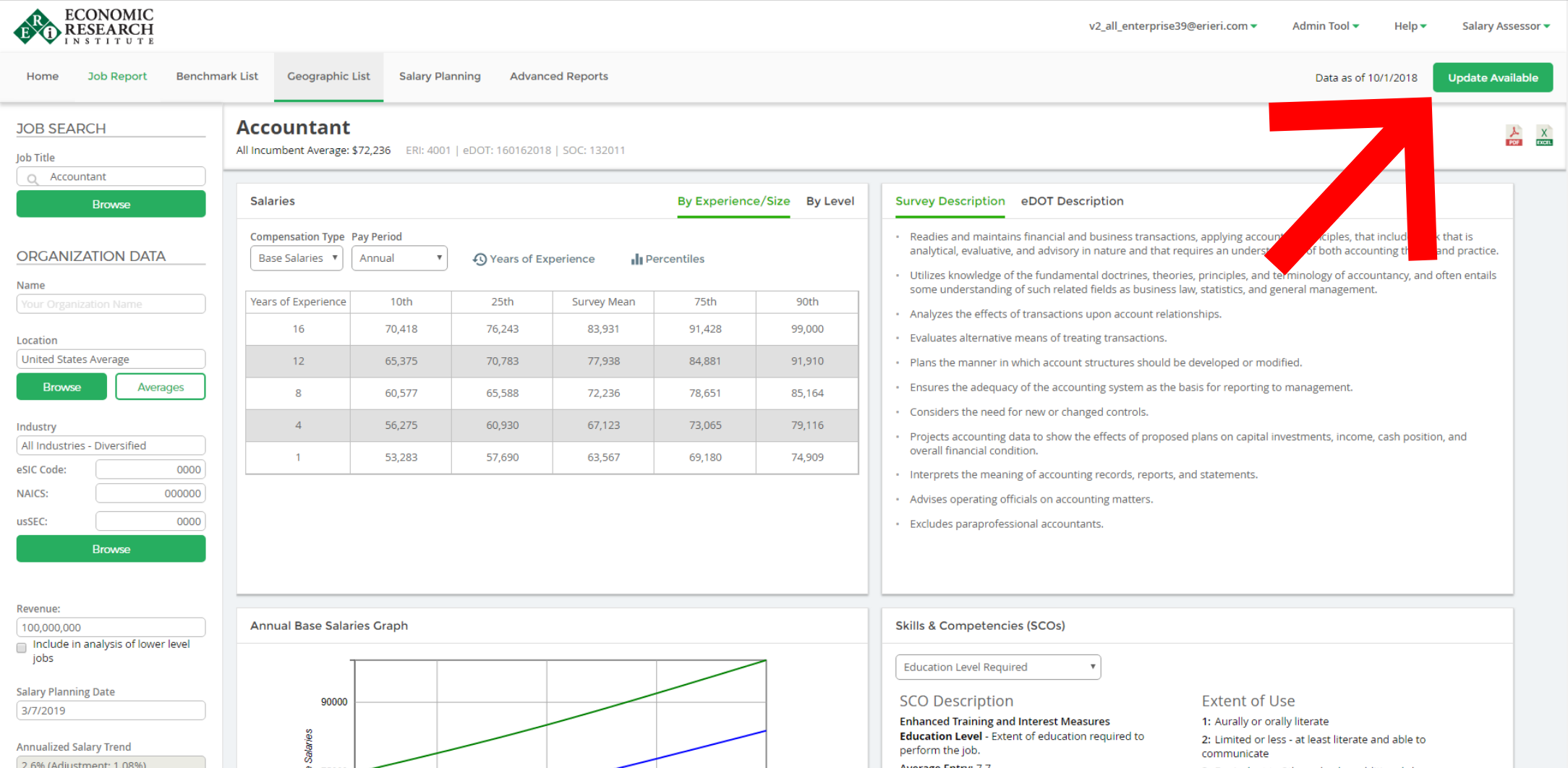
ERI releases new datasets twice per quarter, approximately every six weeks, or whenever special circumstances warrant an update. When a dataset update becomes available, an "Update Available" button will appear in the upper-right corner next to the "Data as of" date.
To Update the Dataset
- Click the "Update Available" button
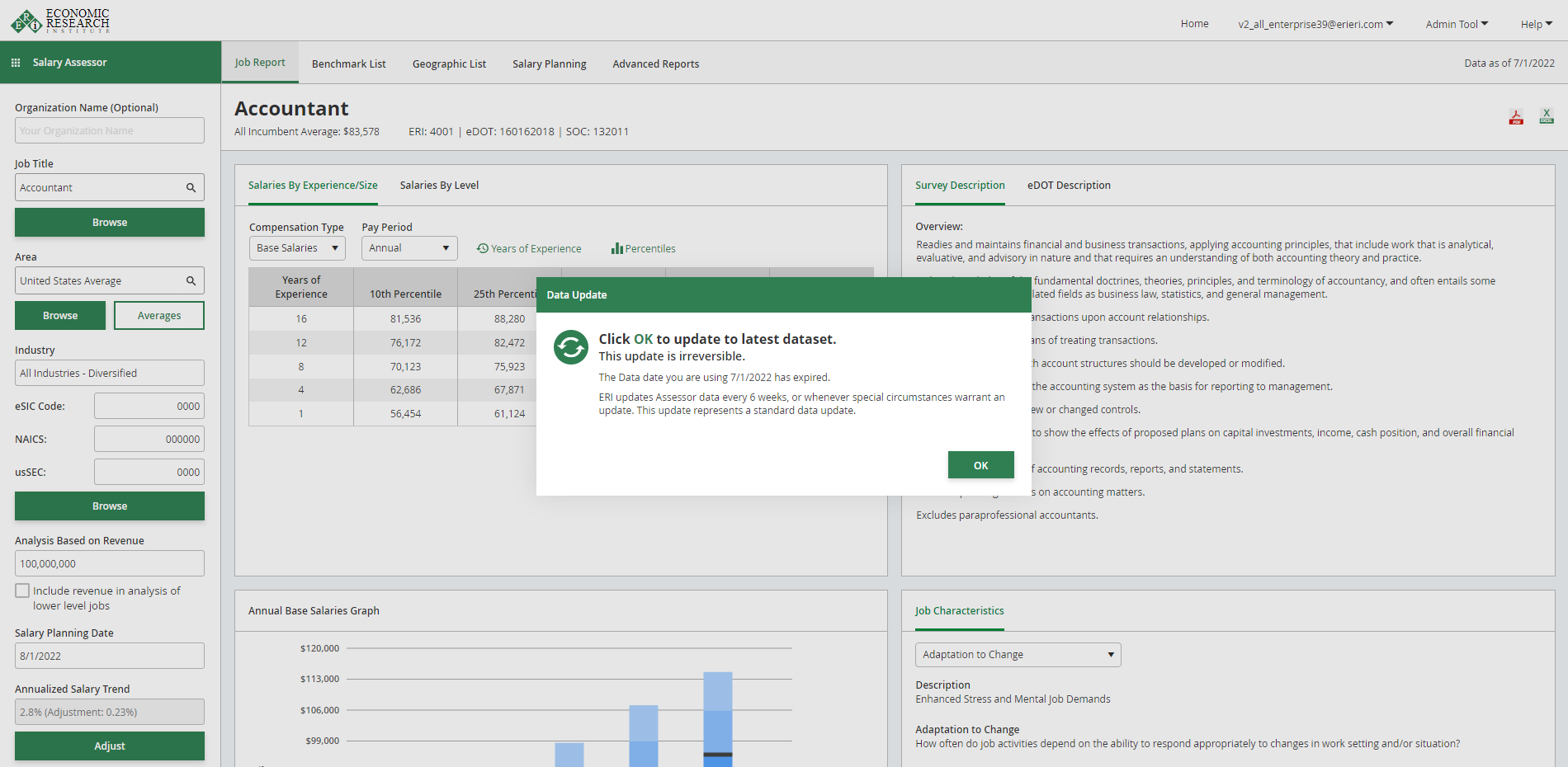
- Click "OK" to confirm that you want to change to the latest dataset.
Please note: Updating a dataset is irreversible
If there is a new dataset available, an alert message will appear when you start the Assessor
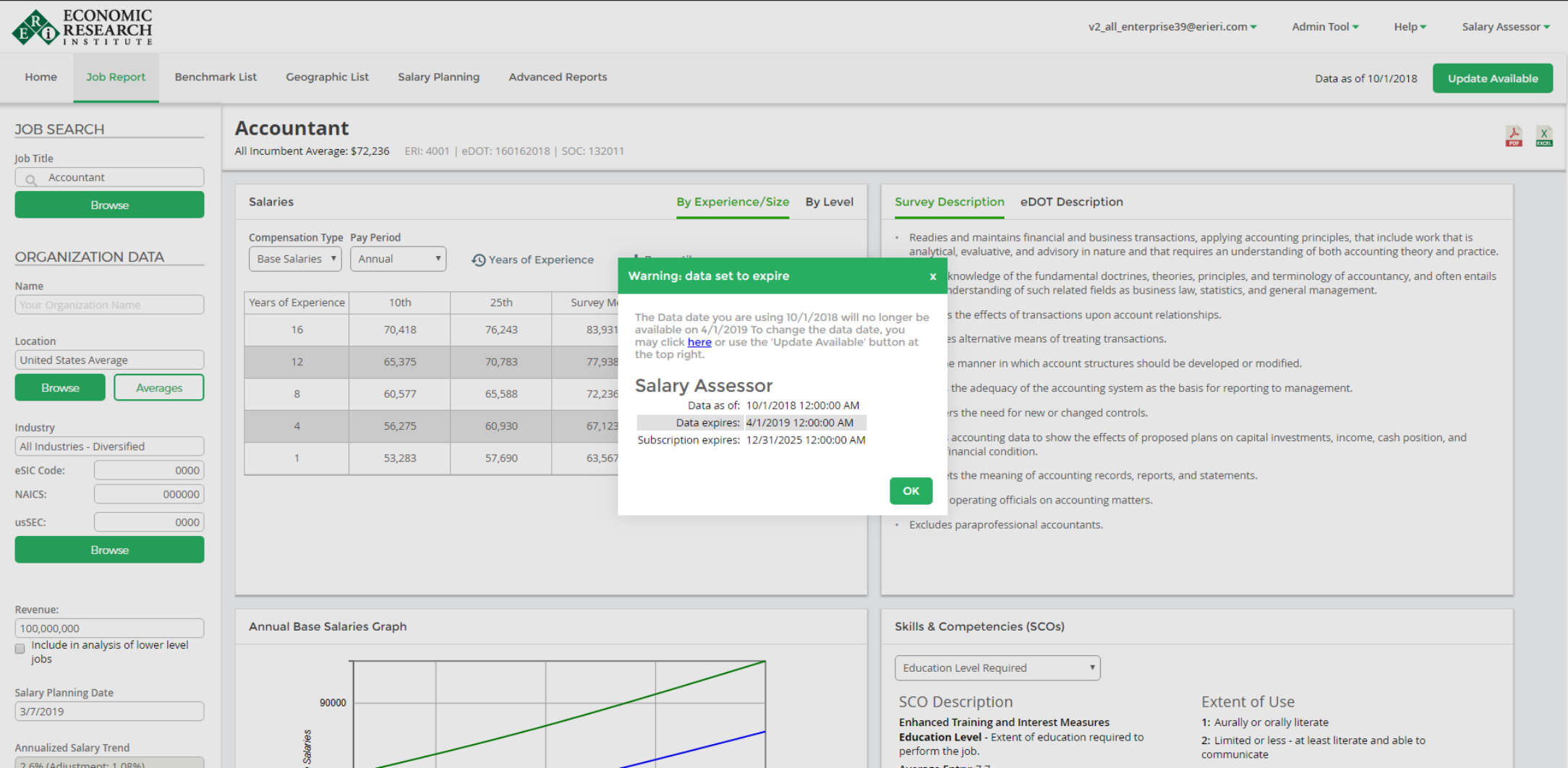
Click the "Update Available" button at the upper right part of the screen to update your dataset
Click "OK" on the pop-up that appears (NOTE: You cannot revert back to the old datasets once you update)