Find market rates for jobs by location, industry, shift type and size
Customize compensation rates based on experience, revenue/assets, skills, education, and certifications (including clearances)
Benchmark base salary, incentive, long-term incentive, and total cash at various percentiles
Analyze executive compensation
Frequent updates
Compensation Management
Manage complex compensation plans from initial planning to final employee communication
Allow managers to review and set merit increases/incentives within the system while ensuring HR guidance and control
Automatically apply complex performance plans, incentive plans, and market data to individual employees
Cost of Labor and Cost of Living Differentials
Cost of living and cost of labor analyses across multiple cities worldwide
Minimum wage rates for U.S. and Canada with real time updates
User-defined regions
Comparisons by salary percentages or pay periods with the ability to save lists for future use
Survey Management
Upload and manage all your salary surveys in one place
Automatically combine surveys using a selection of accepted methods
Integrate newly calculated market rates with your data to determine market adherence
Compensation News Alerts
Minimum Wage Alerts: Cities and states are constantly updating minimum wage regulations. We will alert you if one of your employees drops below a local minimum wage rate.
FLSA Alerts: States are constantly updating FLSA overtime exemption regulations. We will alert you if one of your employees appears to be in violation of a regulation.
Salary Survey Data
Robust databases provide superior accuracy
Cutting edge analyses including meta-analysis and machine learning
Curated datasets eliminate spurious data
Every job audited twice per quarter
Schedule Time with a Representative
Want a demonstration of our products?
Schedule time with a representative, and we will walk you through our products.
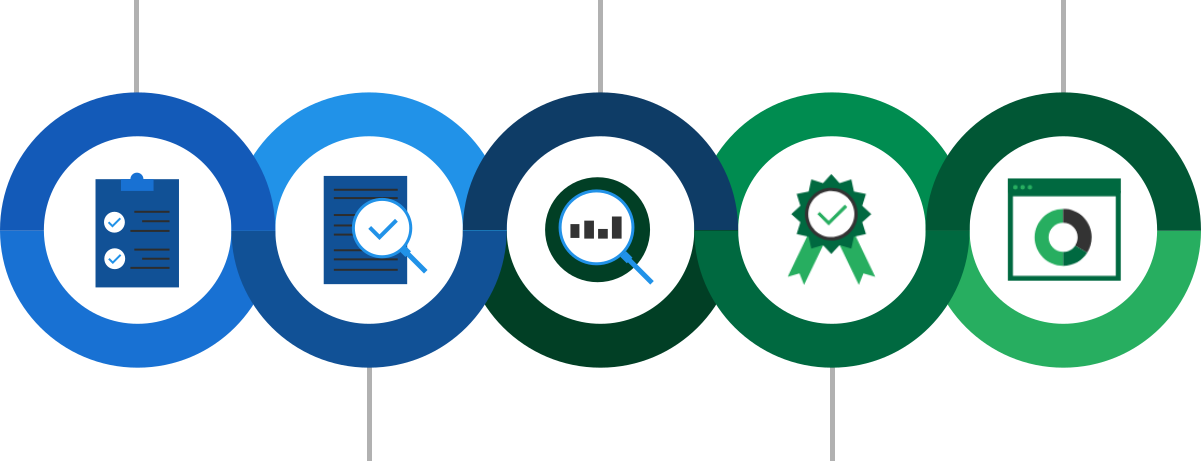
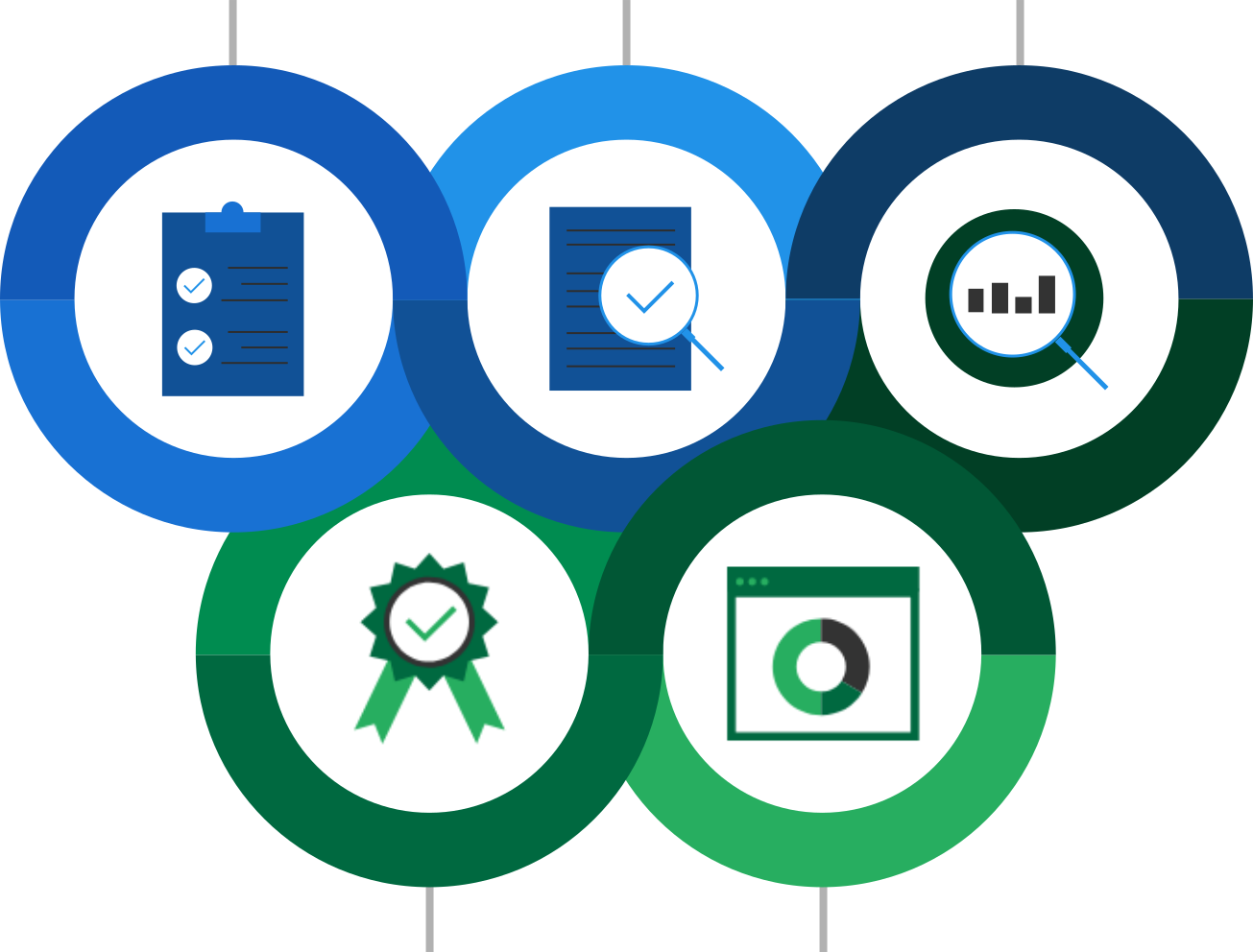
Our salary data goes through a rigorous quality control process before it appears on our Assessor Platform.
Data Collection
Analysis
ERI Results
Data Verification
Quality Assurance
In The Spotlight
ERI Is Type 2 SOC Certified
Developed by the American Institute of Certified Public Accountants (AICPA), SOC 2 defines criteria for managing customer data based on five trust services criteria: security, availability, processing integrity, confidentiality, and privacy. ERI is Type 2 SOC certified. Type 2 SOC 2 requires long-term, ongoing internal practices that will ensure the security of customer information and, in turn, the long-term success of your business.
About Us
Accurate Compensation Data Is Our Number One Priority
For over 30 years, ERI has been focused on researching compensation by gathering salary survey data and integrating it into our custom salary products.
Our methodology includes advanced analytics, such as machine learning and longitudinal analysis, which enables us to understand how market forces influence each job’s compensation and how it fits into its corresponding organization, location, and industry. Our compensation data is sourced from internal surveys, third-party surveys, and public sources to provide a robust sample.
Thousands Of Successful Companies Trust Our Products
Whether you are a Fortune 500 company or own a small business, ERI’s Assessor Platform can scale up or down to fit your compensation needs.
Testimonials
What Our Customers Say
…ERI is a tremendous resource for wage analysis, cost of living, cost of labor, and relocation data for our employees… I have examined other tools offered by your competitors and I have found that I have complete confidence in ERI’s methodology…
J.B. Hunt Transport Services, Inc.
Cliff Sandsmark – Senior Compensation Manager
From small businesses to Fortune 500 companies, ERI’s Assessor Platform can scale up or down to your business’ size and compensation needs.
Ruby Tuesday
Denise Flournoy – Director HR and Compensation
My subscription to ERI has been the VERY BEST investment of my professional career. ERI paid for itself before the end of the first month. The precision and detail of the data that I can now provide my clients enhances my own credibility as a consultant.
FiveL Company – Helping Leaders
Christine V. Walters, MAS, JD, SPHR – Independent Consultant, FiveL Company